Holographic stock footage
Royalty-free 3D hologram videos on pure black: neon signs, holiday decorations, food and everyday objects in 2K MP4, with 3D models to match. Drop them into any edit, ad or display.
Popular: neon signs, halloween, world maps, 3D models
Holographic stock footage, explained
What is holographic stock footage?
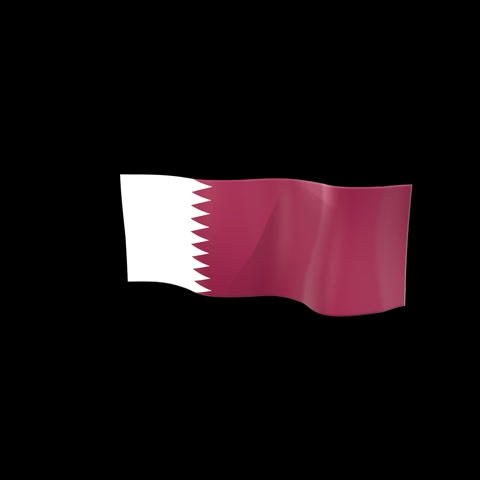
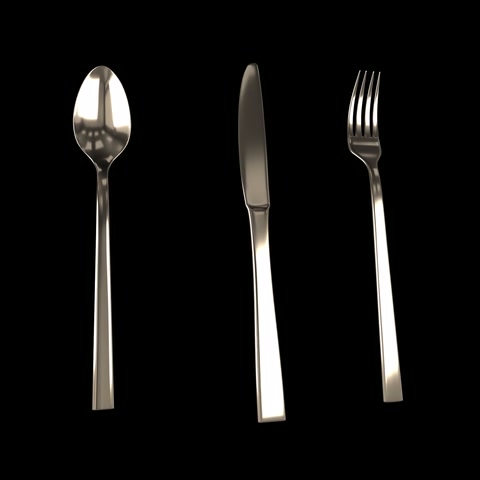
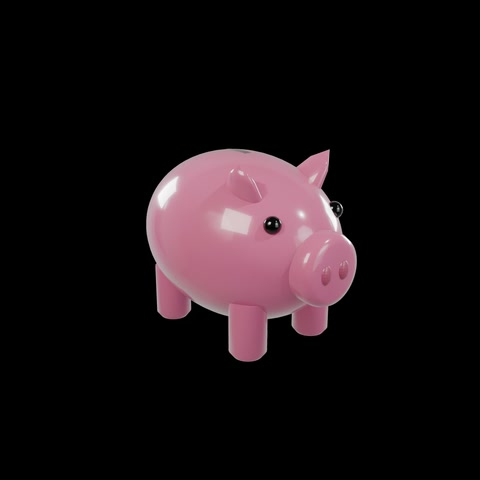
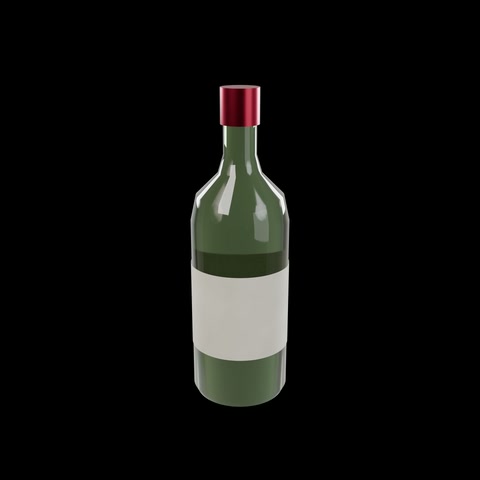
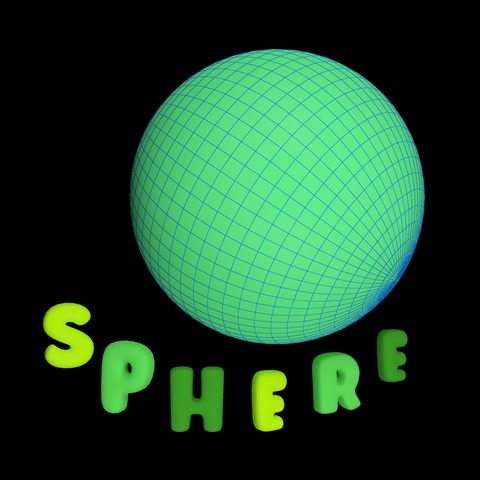
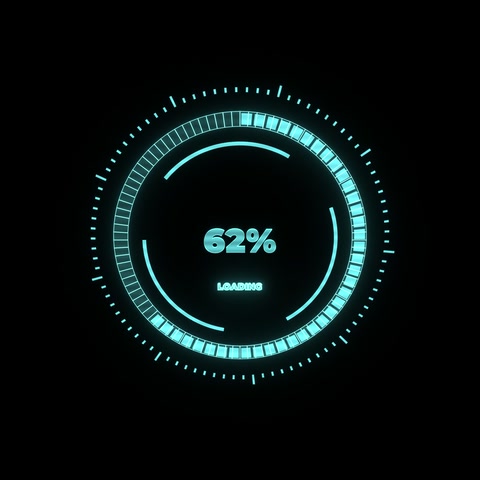
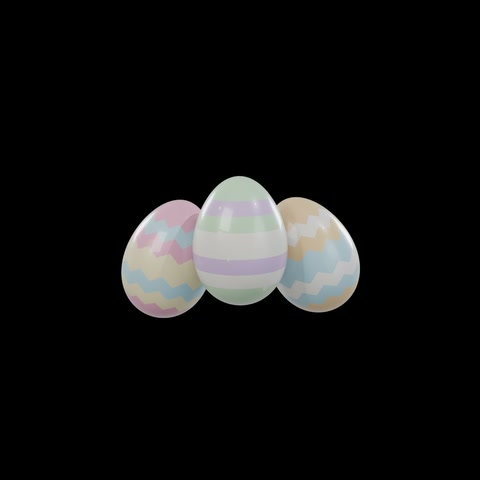
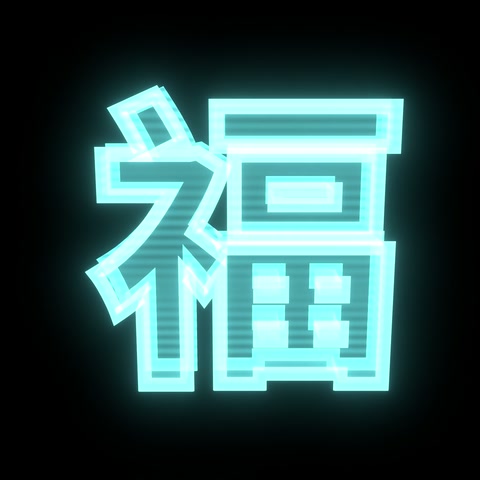
Short video clips of 3D objects, text and signs rendered on a pure black background, so they look like they float in the air like a hologram. The black areas disappear on hologram displays and when the clip is blended over other video, leaving just the glowing object.
What do I get when I download a clip?
An H.264 MP4 at 1000×1000 or 2000×2000 (2K), 30 frames per second, usually about 10 seconds long, with the object flying in at the start and out at the end. Many clips also come with the matching 3D model in GLB, FBX, OBJ, USDZ and Blender formats, with textures and real-world scale.
How do I put a hologram clip over my own video?
Place the clip on a layer above your footage and set its blend mode to Screen (or Add / Lighten). The black background drops out and only the object remains. This works in Premiere Pro, After Effects, DaVinci Resolve, Final Cut Pro and CapCut. A luma key gives the same result if you need a real alpha channel.
Can I play the clips on a hologram display?
Yes. Clips are square, centred and on true black, which is what LED hologram displays, transparent screens and holographic projection setups expect: black shows as empty space and the object appears to float.
How do I use a clip on a hologram fan?
Download the 1K (1000×1000) MP4: it is already sharper than the fan can show, and it plays on every fan app and player (some can't handle 2K). Load it with your fan's own app or PC software, which converts it to the fan's format; fans don't play MP4 files copied straight onto the card. Keep the black background, since black shows as see-through. The fan's picture is round, and our clips keep the object inside that circle, so nothing important is cut off. If your fan is wall-mounted, its software may ask you to rotate the video. Clips loop cleanly, so they can play all day.
Are the clips royalty-free?
Yes. You pay once and get a perpetual, worldwide license to use the clip in your own and your clients' projects, including ads, social media, events and displays, with no per-view or per-screen fees.
How much does a clip cost?
Prices are in credits ($0.50 to $0.90 each, depending on the pack or plan): 4 credits for 1K (1000×1000) and 8 credits for 2K. Where a 3D model is available, the model with its clip is 25 credits in total. Credits come in packs or with a monthly plan.
More in the guide to holographic stock footage.